
Step-by-Step Guide to Using an Online Invoice Generator
2026-05-20
Introduction
If you've ever put off sending an invoice because you thought it was a small task and required "proper time" to complete, you are not alone. Some entrepreneurs and freelancers consider invoicing to be a task that can be completed at a later time, and this can impact their revenue. Enter the Online Invoice Generator, which alters your workflow. Rather than interrupting your invoice-creation process, you can generate and send them quickly as part of your workflow.
With the rise of online invoicing, invoice generators are not just a luxury. They are becoming a necessity for those who want to be efficient, professional, and timely. The aim is to make it easier for payments to flow.
Why More Businesses Are Switching to Online Invoice Generators
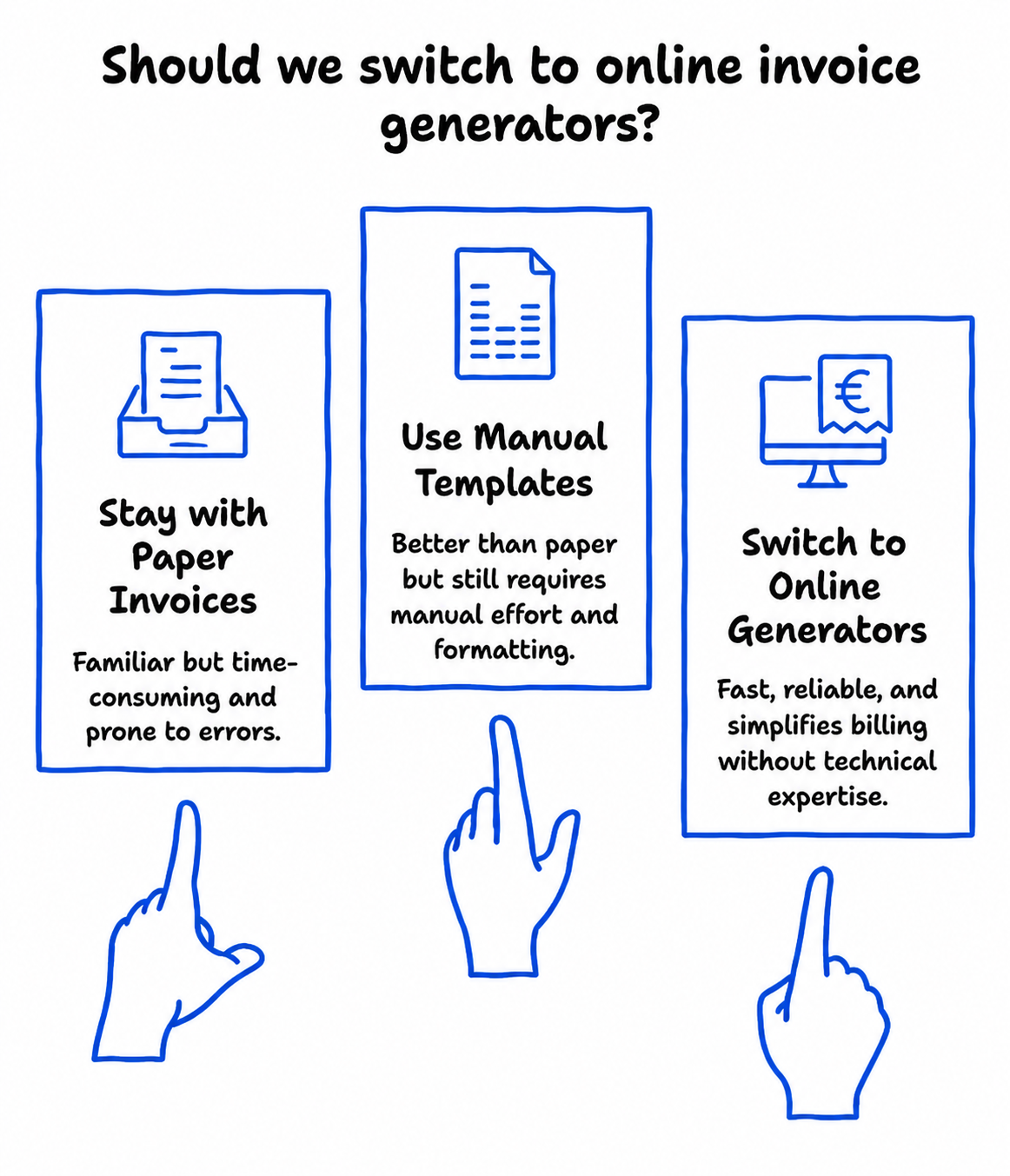
A digital revolution is taking place in business. Older methods of creating paper-based invoices and templates are being replaced with quicker, more efficient alternatives.
A web-based invoice generator is the ideal solution. It is easy and doesn't require technical know-how. It's a tool that works for freelancers, small businesses, and even teams.
But more significantly, it addresses pain points. No more adding up numbers, re-entering customer information, or fiddling with the layout. It's all in one place, so online invoicing becomes more of an extension of your business processes, rather than an extra step.
What Is an Online Invoice Generator?
An online invoice generator is a software tool that lets you generate invoices in your web browser. You fill in your info, add your client's info, add the services you've provided, and the generator creates the invoice.
These generators are specifically built for e invoicing. They can have calculations, data storage, and export features to make invoices easy to share.
Companies often begin with a free invoice generator, and then upgrade to e invoicing software. The idea remains the same. You automate a manual process with something that takes less time and is more accurate.
When Should You Start Using One?
Many people think that only big companies need to use an invoice generator. This is actually not the case, and they are most useful when you are attempting to establish consistency.
If you can relate to any of the following, it's time to make a change:
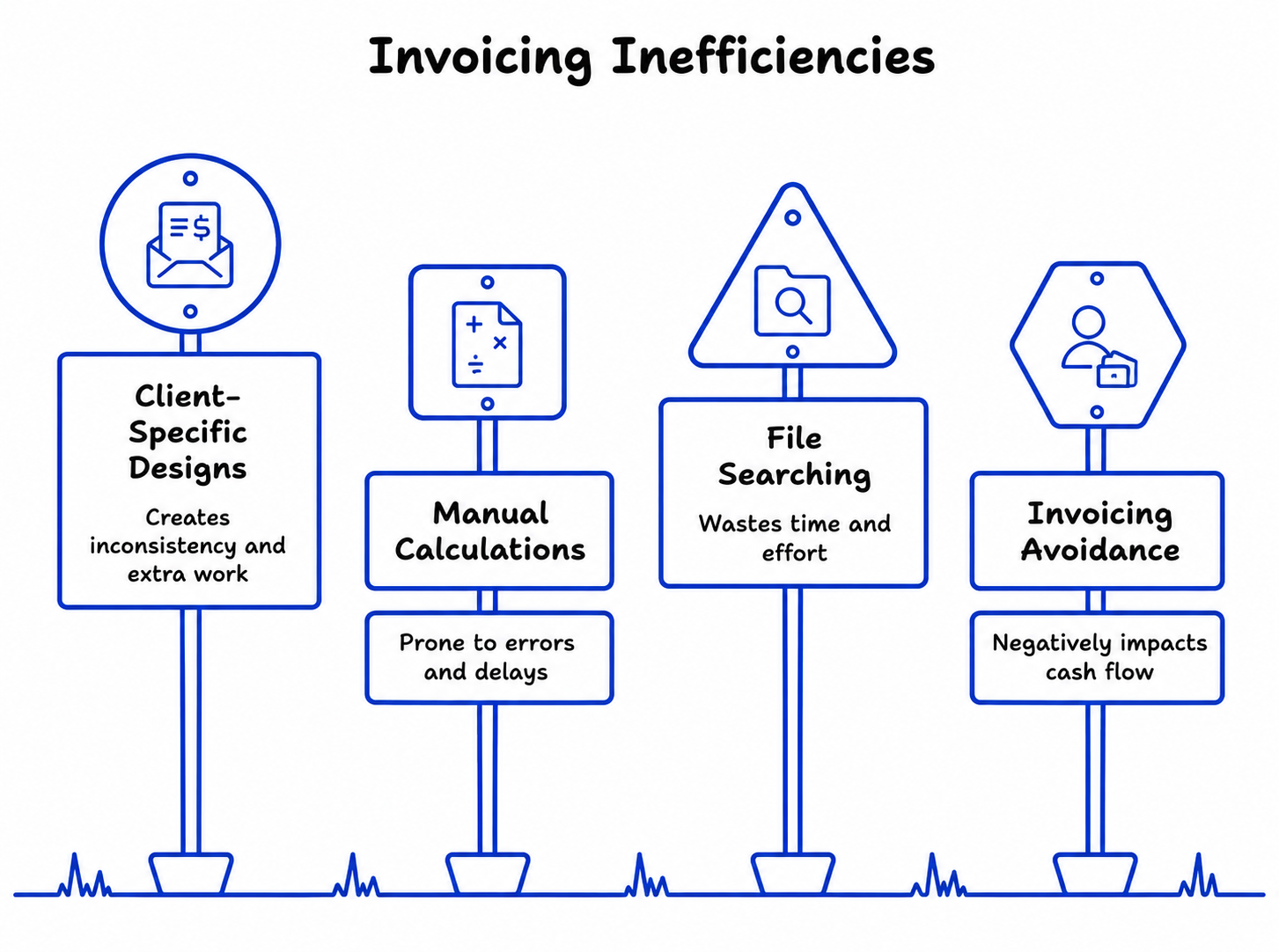
- Designing and producing new invoices for each client.
- Doing taxes and totals by hand.
- Looking through old files for old invoices.
- Putting off invoicing because it is too much work.
An online invoice generator eliminates these minor annoyances.
Step-by-Step: How to Generate an Invoice Easily
Learning how to generate invoices online is easy. It typically involves a straightforward process.
Step 1: Add Your Business Details
Enter your personal details. This is your name or business name, contact information, and any ID numbers.
These will likely be stored, so you don't need to enter them multiple times. This is the first of the time-saving features.
Step 2: Enter Client Information
Enter your client's information. That includes name, business name, email, and address.
This helps to make the invoice look professional and avoids any potential confusion. Some invoice makers will let you save frequent clients for easy access.
Step 3: List Services or Products
This section is where you list the services or products. Be as detailed as possible. Rather than referencing a broad category, include specific information that will help the client understand what you are billing for.
So, instead of "Design work," you could write "Webpage design for the March project."
This avoids confusion down the track.
Step 4: Set Pricing and Let the Tool Calculate
After inputting rates and quantities, the invoice generator does the math. The totals, subtotals, and tax are automatically calculated.
It eliminates a potential source of error when invoicing.
Step 5: Add Payment Terms
This is a critical step that's often overlooked, but it's important for timely payments. Specify the payment term and mode of payment.
Phrases like "Payment due in 7 days" or "Bank transfer details below" help your clients pay promptly.
Step 6: Review and Send
Always proofread the invoice. Ensure it's accurate and clear.
If all looks good, you can then send or download the invoice. Online invoicing makes this process quick and easy.
Why Online Invoice Generators Improve Workflow
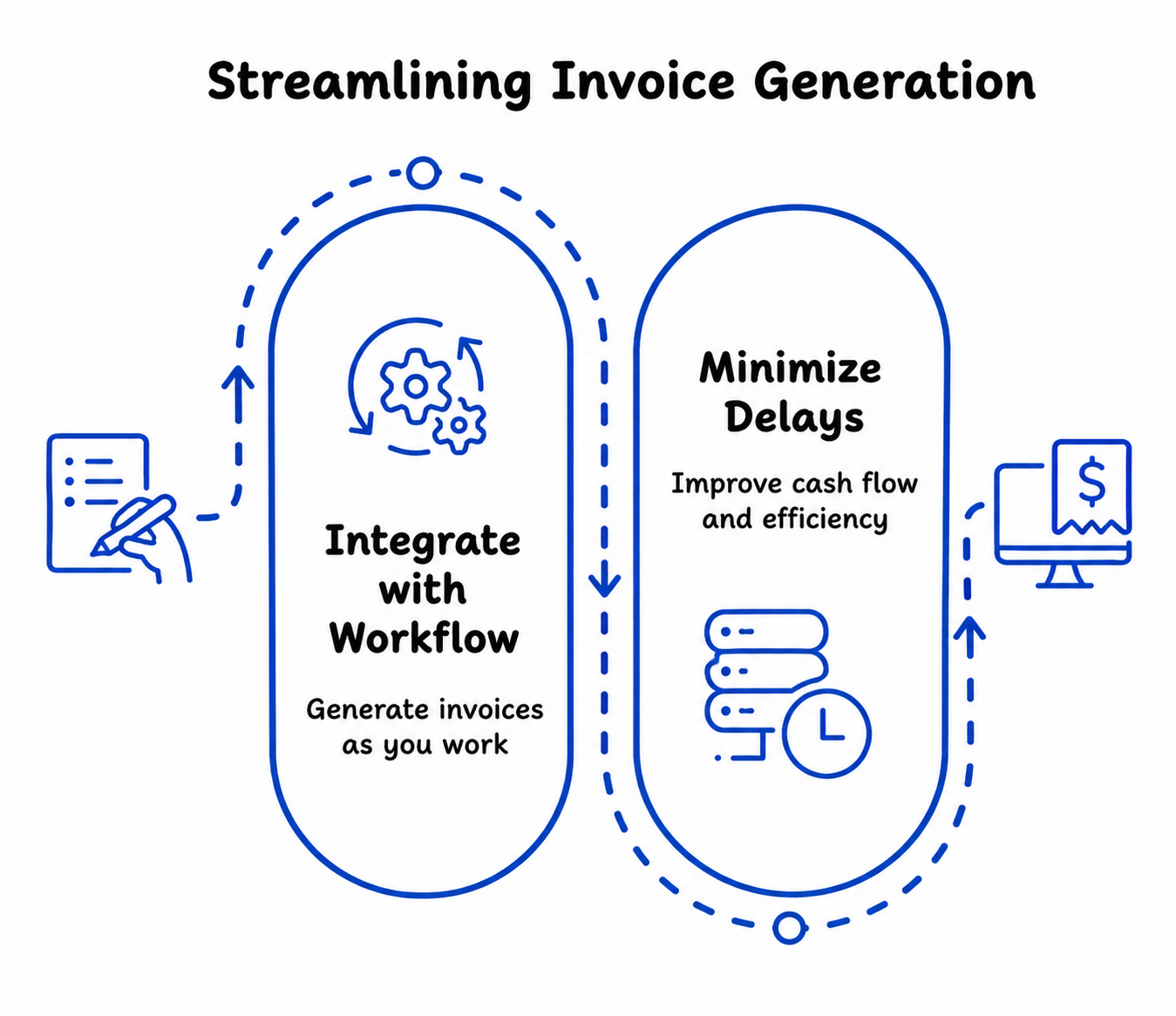
The power of an online invoice generator is not just the speed. It is how it seamlessly integrates with your work.
Rather than allocate time to invoicing, you can generate invoices as you go. Do some work, create an invoice, do more work.
This will minimize delays and improve your cash flow. And it keeps you organized without having to set up a complicated system.
The Difference Between Manual Invoicing and Digital Invoicing
Manual invoicing involves using templates, spreadsheets, or even paper and pen. This is fine when you start, but it can be difficult to maintain as you grow.
Electronic invoicing, with the help of invoice generators, is more formal. Information is captured, calculations are performed automatically, and records are readily available.
It makes all the difference. Fewer mistakes and quicker, more efficient workflows.
Using a Free Invoice Generator vs Paid Tools
Free invoice generators are popular among freelancers and small businesses. They provide basic functionality and are a good option.
If you outgrow it, you may want to switch to e invoicing software that offers features such as automation, reporting, and integration.
Don't bite off more than you can chew. Build on your needs, rather than what you want.
Common Mistakes to Avoid When Creating Invoices
Even with the appropriate tools, some behaviors can impact how you issue invoices.
For example, some people tend to send late invoices. Or not including necessary details that need follow-up.
Using different formats can also confuse, particularly if your customers get different types of invoices.
The solution is simple. Be consistent and use your invoice generator as a process.
How Invoice Generators Support E-Invoicing Trends
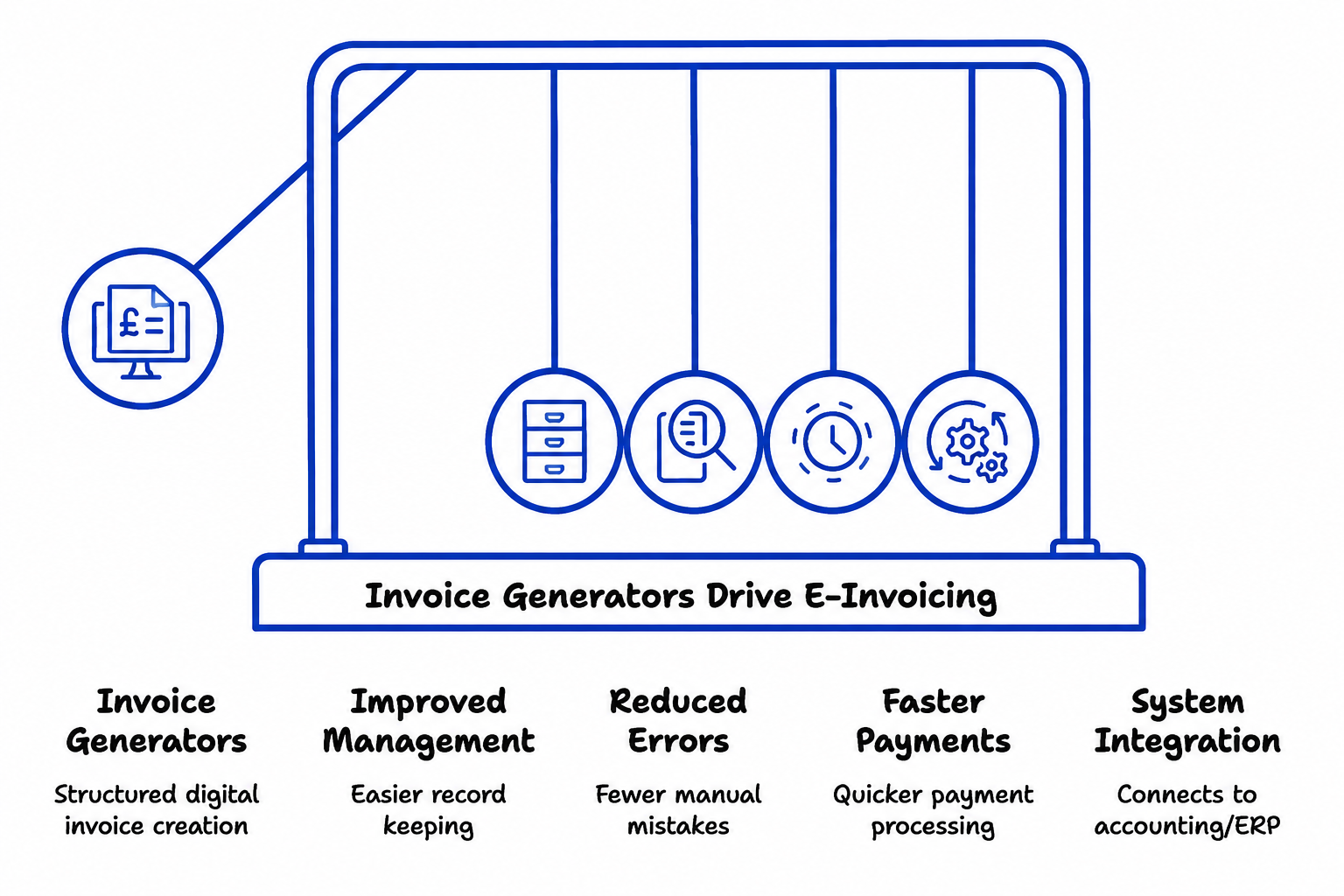
E-invoicing is becoming increasingly important as businesses move toward digital operations and automated financial processes. Online invoice generators help businesses take the first step by creating invoices in a structured and organized format.
This improved organization makes it easier to manage records, reduce manual errors, and support faster payment processing. As a business grows, invoice generators can also integrate with accounting and ERP systems, creating a more efficient and fully connected invoicing process.
In short, even small digital improvements in invoicing can lead to greater efficiency, accuracy, and scalability over time.
A Real-World Example
Consider a freelance consultant who used to create invoices manually at the end of each month. The process took hours, and sometimes invoices were delayed.
Since using an online generator, they create and send invoices as soon as they finish a project. They could create invoices more quickly and receive payments faster.
There was no change in the clients. It was the process that changed.
Practical Tips for Getting the Most Out of Your Invoice Generator
There are some simple tips for making the most of an invoice generator.
- Create invoices as soon as work is completed.
- Keep descriptions clear and consistent.
- Use saved client details to avoid repetition.
- Review invoices before sending.
These simple actions will help you create an effective system.
The Bigger Picture: Building a Reliable Billing System
An online invoice generator is more than just an invoicing tool. It is the foundation for a more efficient billing process.
With a more efficient invoicing process, everything falls into place. Invoices are paid on time, you keep better records, and the process is less chaotic.
It's a small change with a big difference.
Conclusion
Invoicing doesn't have to be difficult. It can be one of the easiest aspects of running a business.
Using an online invoicing tool will take the process from manual to repeatable. It minimises mistakes, speeds up the process, and gives your clients the ability to pay you quickly.
The aim is not perfection. It is consistency. If you can send out clear, consistent, and easy-to-pay invoices, you can expect timely payments.
This is one of the simplest and most effective ways to streamline your process without creating more work.
Ready to Create Professional Invoices in Minutes?
Stop wasting time with manual billing and complicated templates. With PDF Invoicing’s online invoice generator, you can create clear, accurate, and professional invoices faster without the stress of calculations or formatting.
Whether you're a freelancer, startup, or growing business, our easy-to-use invoice maker helps you streamline e-invoicing, improve cash flow, and get paid on time.
Sign up to PDF Invoicing today and start generating invoices smarter, faster, and hassle-free.
Frequently Asked Questions
1. What is an online invoice generator and how does it work?
An online invoice generator is a web‑based tool that lets you create professional invoices in your browser without installing software. You enter your business details, client information, services or products, and the tool automatically calculates totals, taxes, and due dates, then lets you download or email the invoice as a clean PDF. Many modern invoice makers store client data and templates so you can generate invoices in minutes, making them ideal for freelancers, startups, and growing businesses.
2. Is an online invoice generator enough for e‑invoicing and digital invoicing needs?
Yes, a good online invoice generator can be the starting point for e‑invoicing and digital invoicing workflows, especially for small businesses and freelancers. Basic generators let you create structured, digital invoices, export them in standard formats (PDF, sometimes XML), and keep records for tax and accounting purposes. If you later need e‑invoicing software with automation, multi‑currency support, or integration with accounting platforms, you can upgrade without changing your core invoicing process.
3. How do I use an invoice generator to create invoices faster and get paid on time?
To generate invoices quickly and improve payment timeliness, treat your online invoice generator as part of your daily workflow, not a separate admin task. Simply: add your business and client info once, list clear itemized services with prices, and let the tool auto‑calculate totals and taxes; then review, add payment terms (“due in 7 days, bank transfer details below”), and send as PDF via email or link. Pair this with habits like invoicing immediately after work, reusing saved client details, and using templates to keep forms consistent—this helps you get paid faster and reduces manual errors.
4. What tools can I use to create free PDF invoices online?
You can use free online invoice generators like PDF Invoicing to create professional PDF invoices quickly and easily. These tools let you add your business details, client information, products or services, taxes, and totals automatically — then instantly download the invoice as a PDF.
PDF Invoicing is designed for freelancers, small businesses, and startups that need fast, simple, and professional invoicing without complicated software.
Create your free PDF invoice online in minutes and download it instantly.